The SABRENT Mac mini VESA Mount/Wall Mount/Under Desk Mount review is for Mac mini owners looking to move a compatible computer off the desktop while keeping its controls and connections accessible.
Its compact purpose-built design favors a tidy fixed installation over a general-purpose adjustable monitor arm.
SABRENT Mac mini Mount Review Summary
The quick verdict
2,000+ ratings
Read Amazon ReviewsSABRENT Mac mini VESA Mount
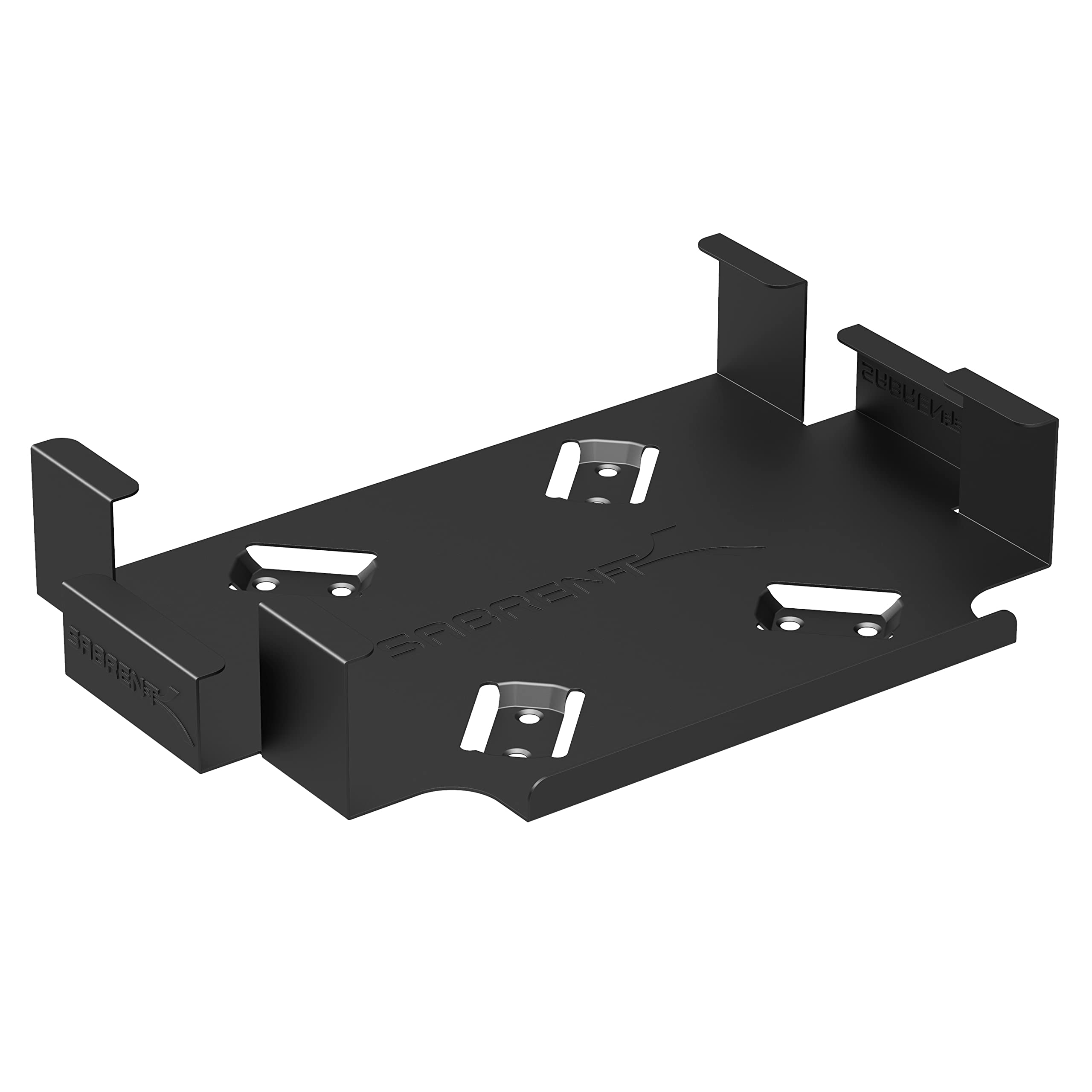
A space-saving mount for Mac mini owners who want to attach a compatible Unibody model to a wall, VESA surface, or beneath a desk.
- Designed to mount a Mac mini securely, with compatibility specified for Unibody models.
- Supports placement on a VESA-compatible mount, on a wall, or beneath a desk.
- Allows access to the power button, output jacks, and cables while the Mac mini is installed.
- Black powder coating is intended to help protect the computer from scratches or damage.

Pros
- Three placement approaches can help free up a desk or tuck the computer out of the way.
- The design keeps important controls and connection points accessible after mounting.
Consider before buying
- Compatibility is specified for Unibody Mac mini models, so buyers need to confirm their computer's generation before purchasing.
- Installation requires choosing a suitable wall, desk underside, or VESA mounting point and checking that the supplied hardware fits the intended surface.
Read the full review summary
This mount is designed to hold a Unibody Mac mini against a VESA-compatible surface, on a wall, or under a desk.
The supplied description emphasizes access to the power button, output jacks, and cables, so the computer can remain connected and usable after installation.
A black powder-coated finish is intended to help protect the Mac mini from scratches or damage where it sits in the mount.
It is best suited to someone who has confirmed their Mac mini is a Unibody model and already knows where and how they want to install it.
Screws, drywall anchors, and installation instructions are included, which gives buyers the basics for setup. The main decision is fit and placement: check the computer generation, the mounting surface, and access to ports before committing to a location.
The buying factors
SABRENT Mac mini Mount Scorecard
Editorial scores reflect listed features and buyer fit; they are not laboratory measurements or customer ratings.
Mac mini compatibility
The stated fit is specific to Unibody Mac mini models, making generation confirmation central to the purchase.
Mounting flexibility
Wall, VESA, and under-desk placements cover several common ways to move the computer off a work surface.
Connection access
The design allows access to the power button, output jacks, and cables, a useful consideration for a mounted computer.
Surface protection
The black powder coating is described as helping protect the Mac mini from scratches or damage.
Installation readiness
Screws, drywall anchors, and instructions are included, though buyers still need to check the chosen surface and mounting method.
Product versatility
Its use is focused on compatible Mac mini models rather than broader devices or adjustable display placement.
Key Features and Specifications of SABRENT Mac mini Mount
- Designed to mount a Mac mini securely, with compatibility specified for Unibody models.
- Supports placement on a VESA-compatible mount, on a wall, or beneath a desk.
- Allows access to the power button, output jacks, and cables while the Mac mini is installed.
- Black powder coating is intended to help protect the computer from scratches or damage.
- Includes screws, drywall anchors, and easy installation instructions.
Pros and Cons of SABRENT Mac mini Mount
Pros
- Three placement approaches can help free up a desk or tuck the computer out of the way.
- The design keeps important controls and connection points accessible after mounting.
- Included fasteners and instructions provide a starting point for installation.
- A coated surface is intended to help protect the Mac mini where it contacts the mount.
Consider before buying
- Compatibility is specified for Unibody Mac mini models, so buyers need to confirm their computer's generation before purchasing.
- Installation requires choosing a suitable wall, desk underside, or VESA mounting point and checking that the supplied hardware fits the intended surface.
- The fixed mounting purpose offers less flexibility than a setup intended for repeated repositioning.
Who Should Buy SABRENT Mac mini Mount?
Good fit
Consider the SABRENT Mac mini Mount if a compatible Unibody Mac mini occupies useful desk space and you have a clear plan for placing it on a wall, under a desk, or at a VESA mounting point.
The key practical benefit is reclaiming surface area while retaining access to the power button, outputs, and cables. That access matters when you need to power the computer or adjust its connections after installation.
Before buying, identify your Mac mini model and check the intended location. Confirm that the mounting point and installation method suit the wall or furniture surface, and think through cable routing and reach to the power button.
If those basics line up, the included screws, drywall anchors, and instructions make this a focused way to create a less cluttered setup.
Who should skip it
Skip this mount if your Mac mini is not a Unibody model, or if you cannot confirm that it matches the stated compatibility. Check the computer's model details first rather than assuming all Mac mini generations fit.
Choose another approach if you want a mount that is easy to move between locations or need broad compatibility with different devices.
This product is purpose-built for a fixed Mac mini installation, so its usefulness depends on having a suitable location and mounting surface.
SABRENT Mac mini Mount: Fit, Placement, and Everyday Access
Confirm the computer fit first
Compatibility is the most important buying check because the mount is described for Unibody Mac mini models. Confirm the generation of the computer you own before evaluating finish or installation convenience.
A model that falls outside that stated fit should not be assumed to work simply because it shares the Mac mini name.
Choose a location around your setup
Wall, VESA, and under-desk mounting give the product its flexibility, but the best option depends on the furniture and equipment already in place.
Consider where the computer can sit without obstructing the workspace, how the cables will reach, and whether the power button remains practical to use.
Planning these details first can prevent a tidy mounting position from becoming awkward day to day.
Keep the ports within reach
The design allows access to the power button, output jacks, and cables.
That is useful for a computer that may need to be switched on or reconnected after installation, though buyers should still consider the orientation and clearance at their selected mounting point.
A quick placement check can help ensure the outputs face a usable direction and cables have a clear path.
Installation depends on the surface
The included screws, drywall anchors, and instructions cover basic installation needs, but surface choice remains part of the job. Before drilling, verify that the planned location and fasteners are appropriate for the surface and the computer's placement.
The powder-coated black finish adds a protective contact surface, while the overall design stays focused on simple fixed mounting.
Alternatives to SABRENT Mac mini Mount
Computer Monitor Arms alternative
20,000+ ratings
Read Amazon ReviewsVIVO Single Monitor Desk Mount STAND-V001
Choose the SABRENT for mounting a compatible Mac mini out of the way.
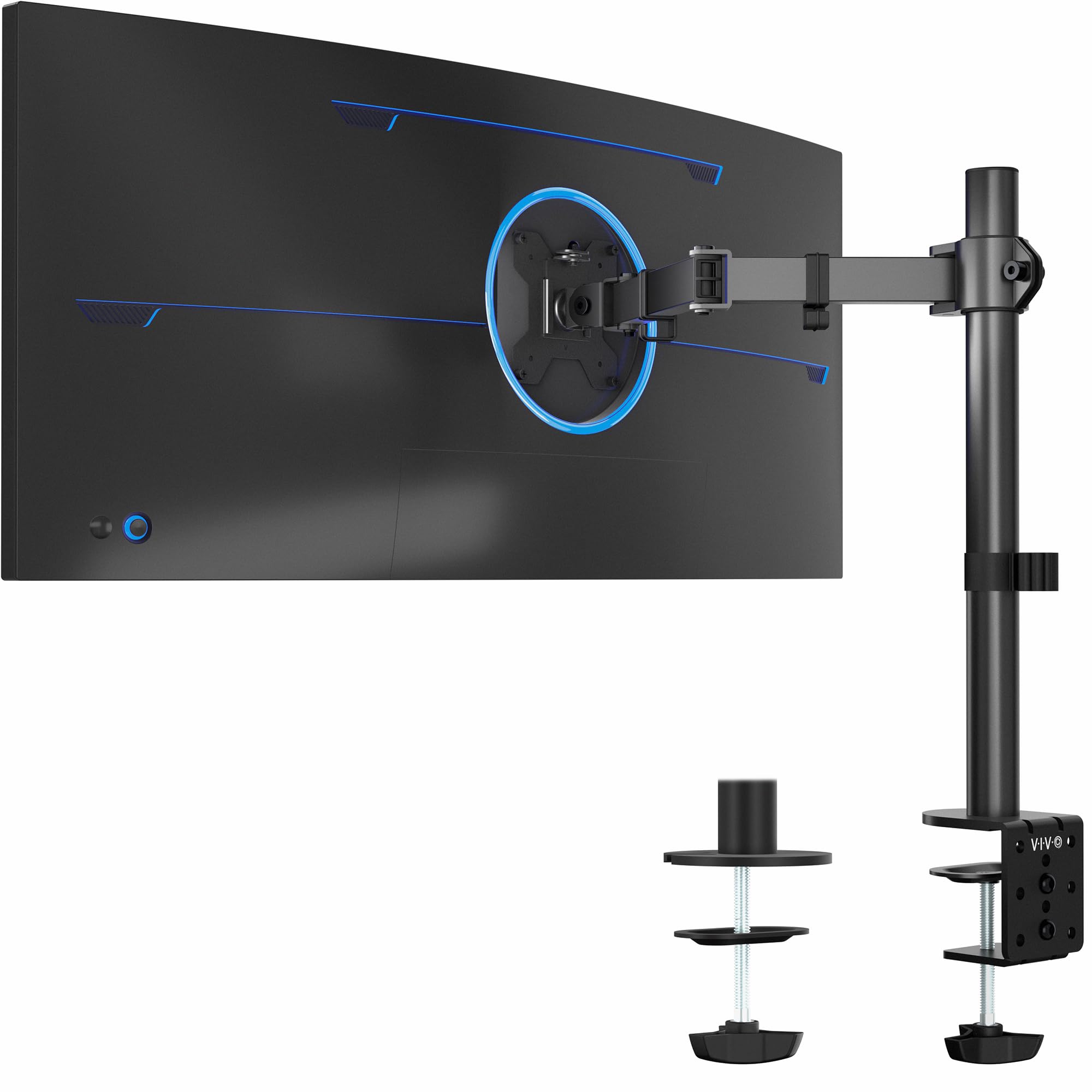
Consider the VIVO if the actual need is to position a single monitor and adjust its viewing angle; it serves a different device and does not replace a Mac mini mount.
- The VIVO STAND-V001 is a desk mount for one VESA-equipped monitor, with support for screens up to 38 inches and 22 pounds, plus tilt, swivel, rotation, and height adjustment.
- The SABRENT mount is built for a compatible Unibody Mac mini and supports wall, VESA, or under-desk placement.
Computer Monitor Arms alternative
60,000+ ratings
Read Amazon ReviewsVIVO Dual Monitor Desk Mount STAND-V002
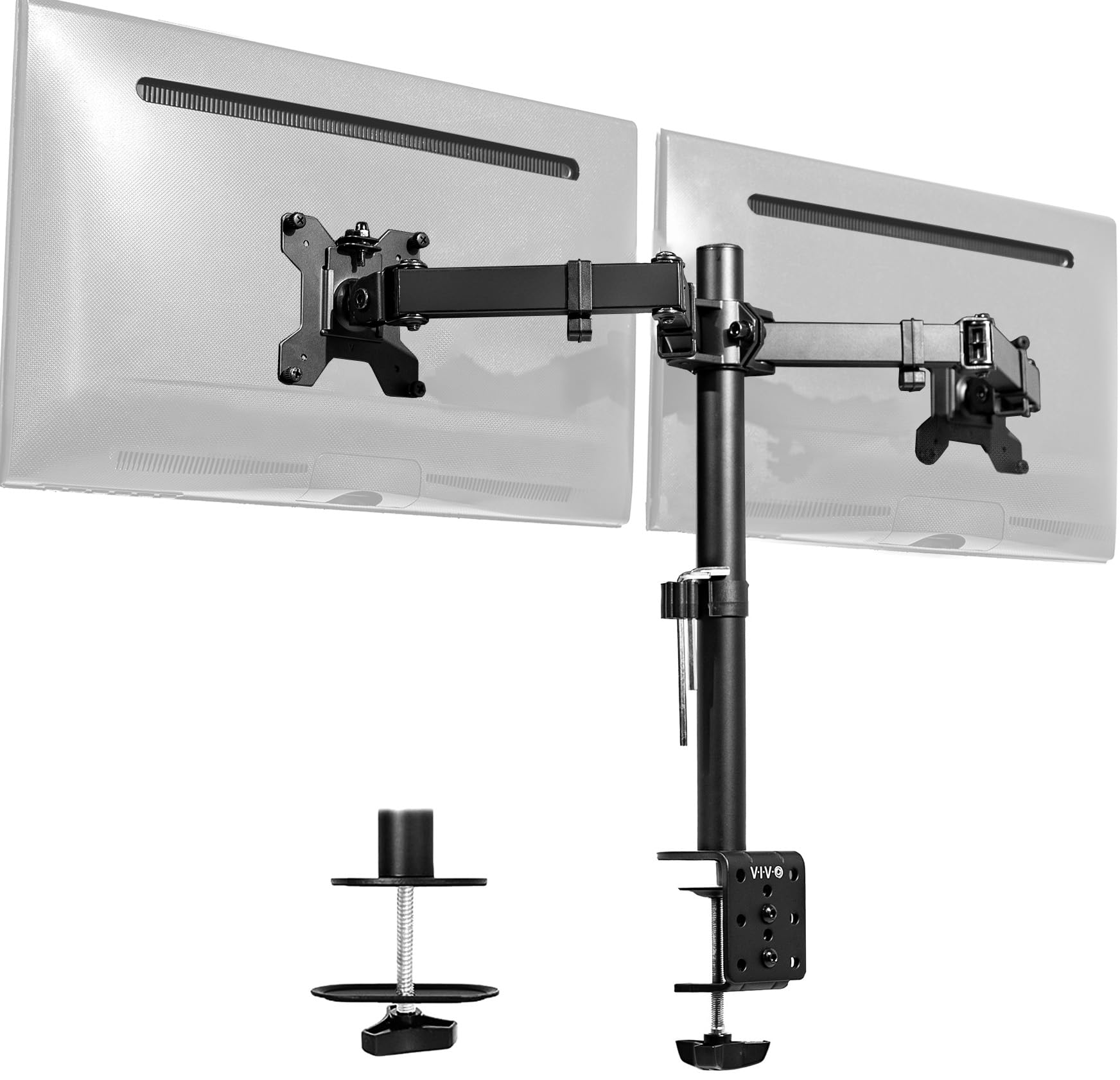
For a Mac mini installation, the SABRENT is the relevant fit. The VIVO is useful when the goal is to mount and position two monitors on a desk; its purpose and supported equipment differ from this computer mount.
- The VIVO STAND-V002 holds two VESA monitors, each up to 30 inches and 22 pounds, with adjustable arms and desk-clamp or grommet mounting.
- The SABRENT is a compact mounting solution focused on a compatible Unibody Mac mini and continued access to its controls and connections.
Is SABRENT Mac mini Mount Worth It?
The SABRENT Mac mini VESA Mount is worth considering when you own a compatible Unibody Mac mini and want to reclaim desk space with a wall, VESA, or under-desk installation.
Its most useful details are the choice of placement, access to the power button and connections, and inclusion of basic installation hardware.
Confirm the Mac mini generation and mounting surface before buying, then plan cable routing and everyday access at the chosen location.
If those checks fit your setup, this is a straightforward option for moving the computer off the desk; if you need a movable mount or a solution for other equipment, its focused design may not suit you.
Your review at a glance
2,000+ ratings
Read Amazon ReviewsSABRENT Mac mini VESA Mount
A space-saving mount for Mac mini owners who want to attach a compatible Unibody model to a wall, VESA surface, or beneath a desk.
- Designed to mount a Mac mini securely, with compatibility specified for Unibody models.
- Supports placement on a VESA-compatible mount, on a wall, or beneath a desk.
- Allows access to the power button, output jacks, and cables while the Mac mini is installed.
- Black powder coating is intended to help protect the computer from scratches or damage.